🎯 Lesson Objective
By the end of this lesson, students will:
-
Understand how to use Motion and Looks blocks
-
Move the sprite in different directions
-
Make the sprite speak, change appearance, and show/hide
📚 Lesson Content
1. Introduction to Motion & Looks Blocks
🟦 Motion: Makes sprites move (forward, backward, turn, jump)
🟪 Looks: Controls how sprites appear, speak, change costumes, and more
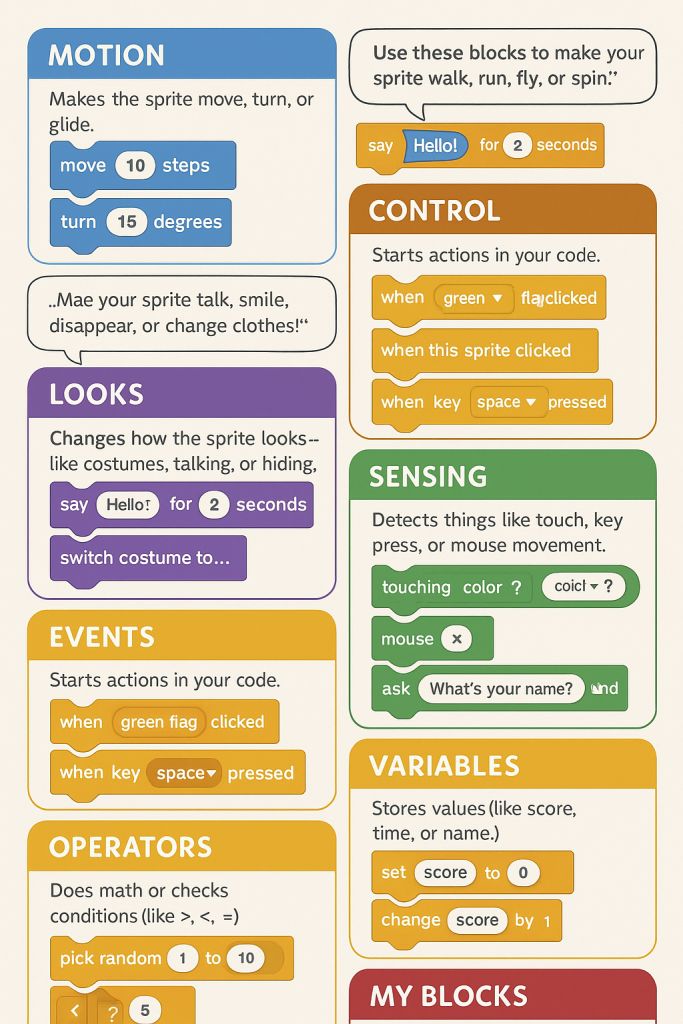
2. Try These Motion Blocks
💡 Explain and demonstrate each with drag-and-drop:
move 10 steps
turn clockwise 15 degrees
go to random position
glide 1 sec to x:100 y:50