Category: MS Excel / Data Analysis / Excel Tips & Tricks
Excerpt: Excel’s IMPORTTEXT function lets eligible Microsoft 365 users bring data from text-based files such as CSV, TXT and TSV directly into the worksheet as a dynamic array.
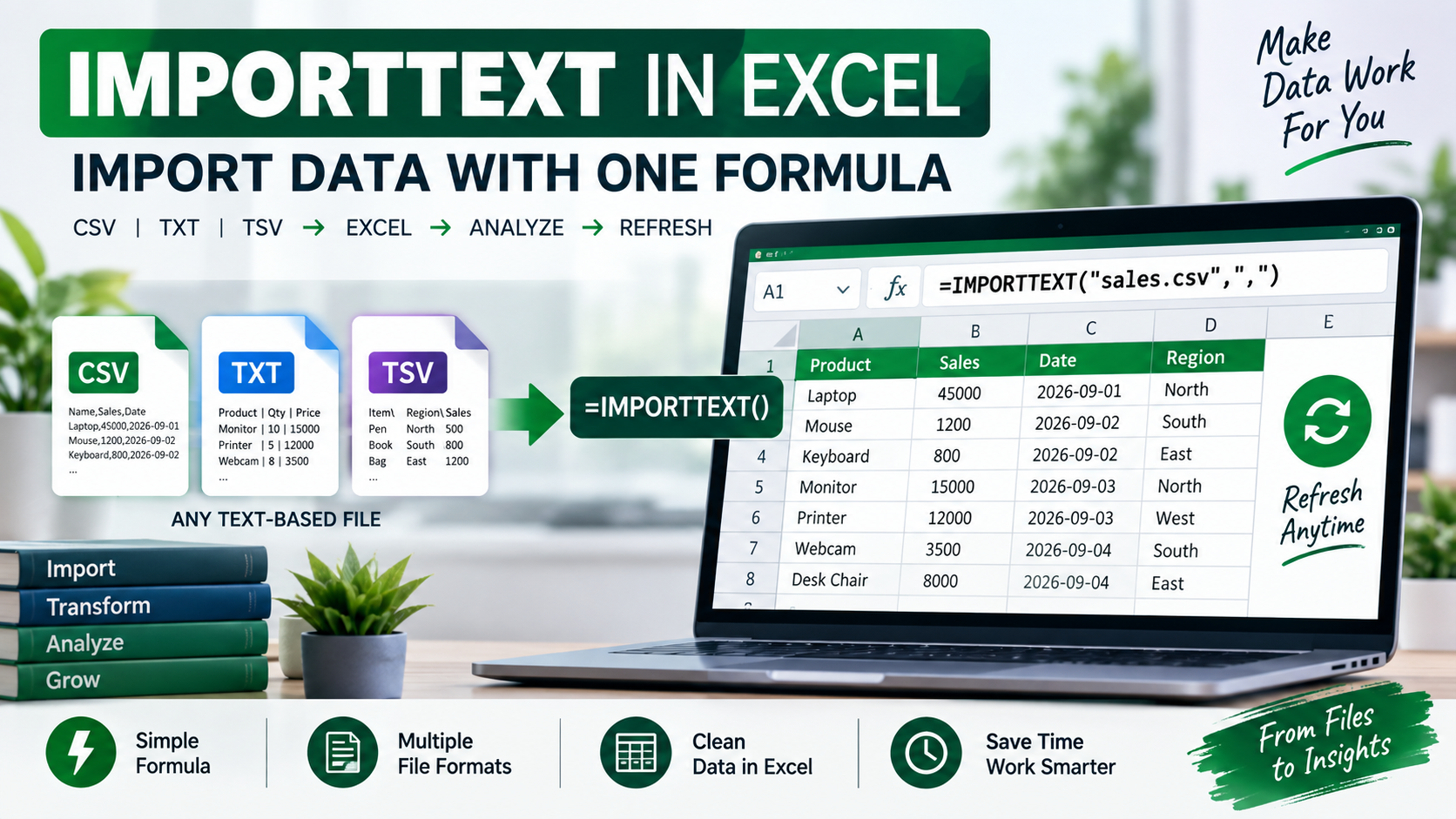
What Is IMPORTTEXT? Excel’s IMPORTTEXT function provides a formula-based way to import data from text files directly into the worksheet. Microsoft says it can work with formats such as CSV, TXT and TSV and return the imported information as a dynamic array.
The basic syntax is:
=IMPORTTEXT(path,[delimiter],[skip_rows],[take_rows],[encoding],[locale])
The path identifies the local file or URL. Optional arguments can control the delimiter, rows to skip, rows to take, encoding and locale.
A Simple Example Suppose you have a CSV file named sales.csv and the data uses commas between columns.
You could use:
=IMPORTTEXT(“C:\Reports\sales.csv”,”,”)
Excel can then place the imported information into the worksheet as a dynamic array.
Why Is This Useful? IMPORTTEXT can be convenient when you frequently work with simple text-based data and want a formula-driven approach.
For example, a business user might receive:
✅ Daily sales CSV files
✅ Student records in TXT format
✅ Inventory data in TSV format
✅ Exported application logs
Instead of manually copying and pasting the information, the function can bring the data into Excel directly.
This does not replace Power Query for complex data workflows. Power Query remains useful when you need multiple transformation steps, joins, cleaning operations or more advanced data preparation.
Who Can Use It? Microsoft currently documents IMPORTTEXT for Excel for Microsoft 365, with availability depending on the Microsoft 365 Insider channel and version.
For Excel learners, IMPORTTEXT is a useful example of how modern spreadsheets are becoming more capable of connecting directly to external data.