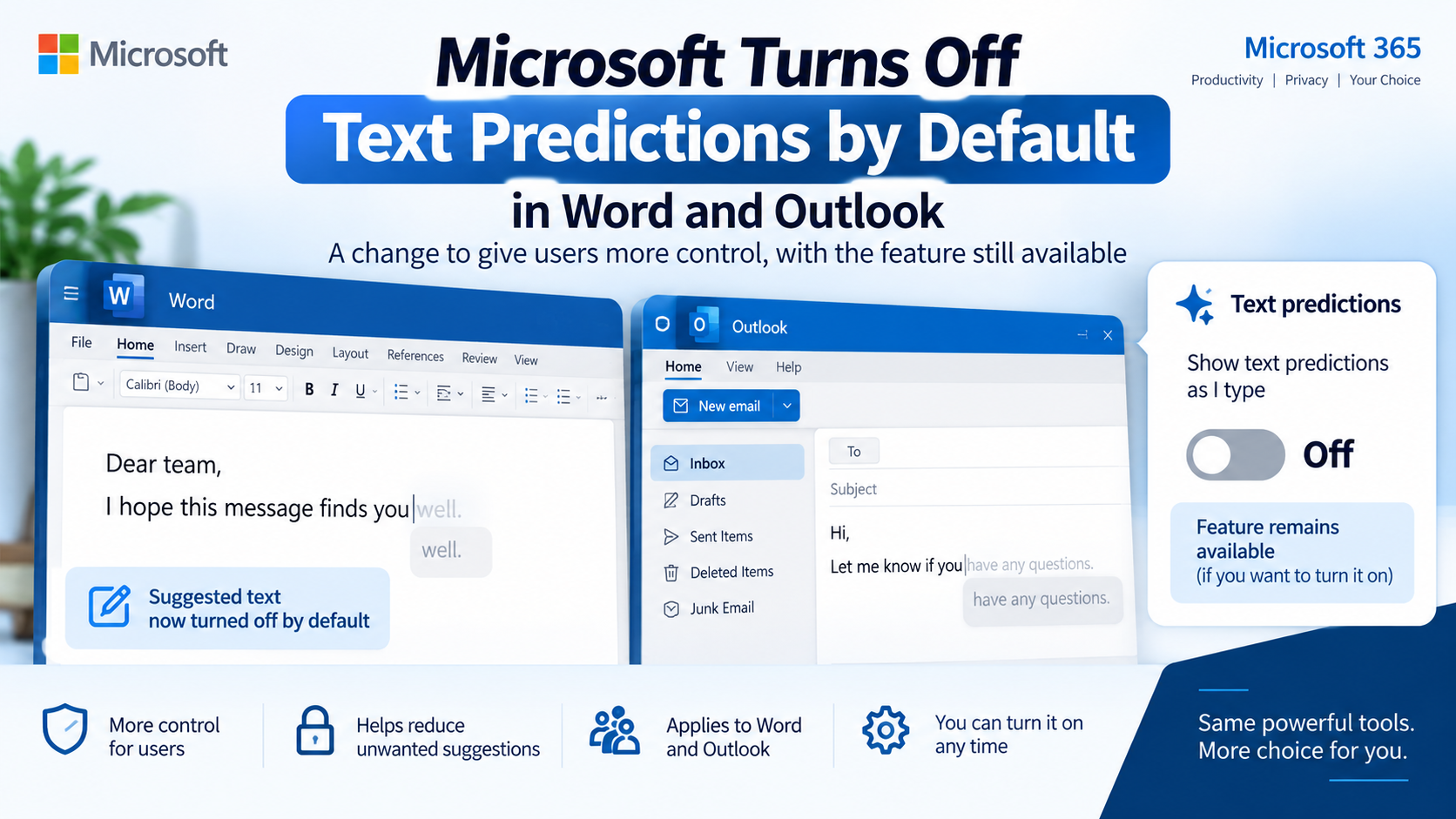
Microsoft has changed the default behavior of text predictions in Word and Outlook. The announcement was published on September 1, 2026. The feature itself has not been removed; it is simply no longer enabled by default for affected experiences.
Text predictions suggest words or phrases while you type. In Word, the suggested text appears as you write and can be accepted using the Tab or Right Arrow key. In Outlook, similar suggestions can appear while composing an email.
Microsoft’s change gives users more control over whether these suggestions appear automatically.
This can be useful for people who prefer to write without predictive suggestions interrupting their typing. At the same time, users who find text predictions helpful can continue using the feature by turning it on manually.
For example, Word users can access the Text Predictions option from the status bar and enable suggestions while typing. Outlook users can manage the setting through Settings → Mail → Smart suggestions in supported versions, while classic Outlook provides the option under File → Options → Mail.
Text predictions are different from Microsoft Copilot. Their purpose is primarily to suggest likely words and phrases as you type, rather than perform broader AI-assisted tasks.
For students, teachers and office professionals, the change is a useful reminder that Microsoft 365 settings can change even when a feature itself remains available.
If text suggestions suddenly disappear from your Word or Outlook experience, the first thing to check is the relevant setting rather than assuming the feature has been discontinued.