
Explanation
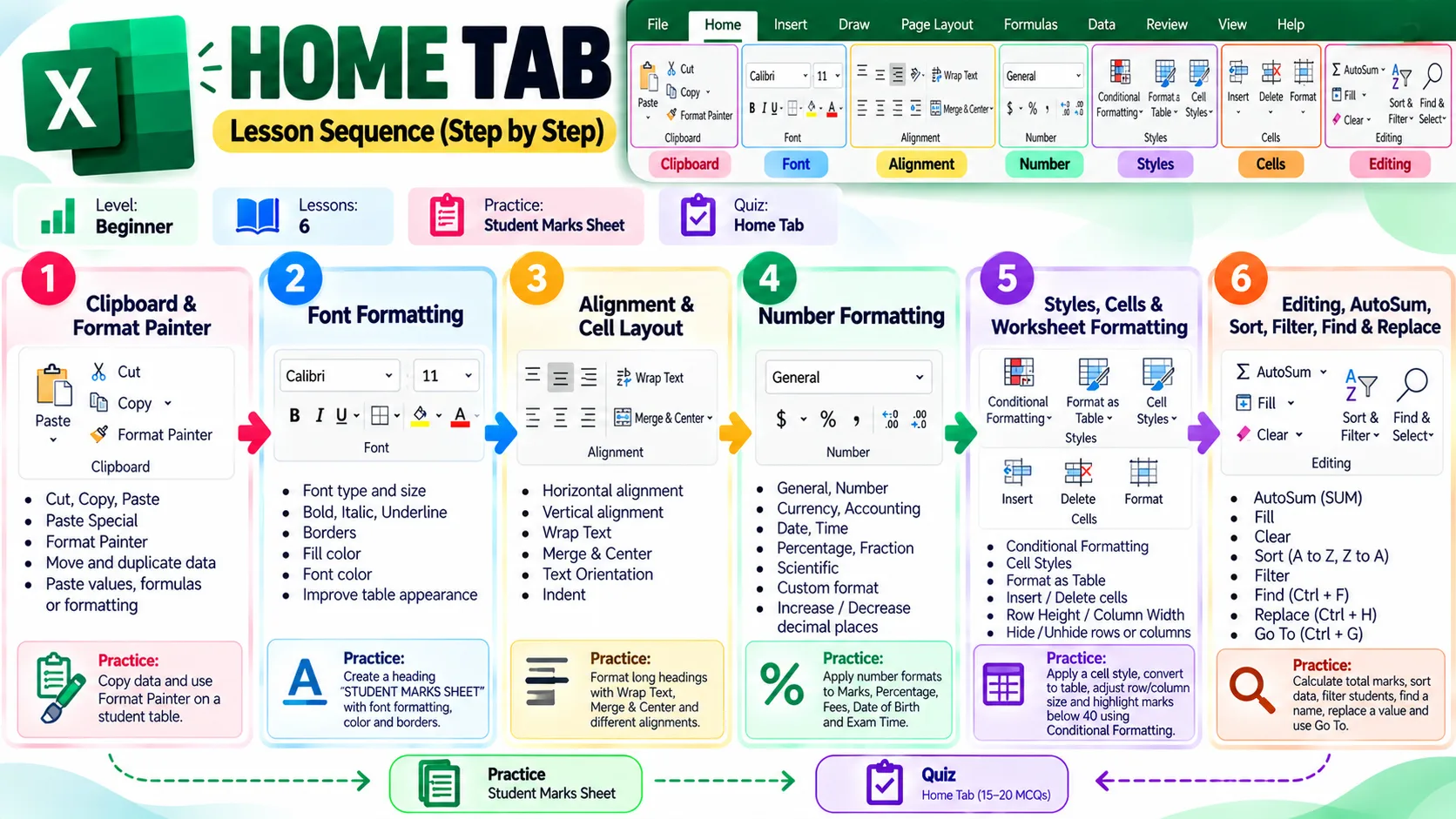
The Clipboard group in the Home Tab contains tools for moving, copying and applying content.
Key Tools
Cut: Moves selected data to another location.
Copy: Creates a duplicate of selected data.
Paste: Places copied or cut content in a new location.
Paste Special: Allows you to choose what should be pasted, such as values, formulas or formatting.
Format Painter: Copies formatting from one cell or range and applies it to another.
Practice
Create a small student table. Copy one student’s data to another location and use Format Painter to apply the same formatting to another row.