
Explanation
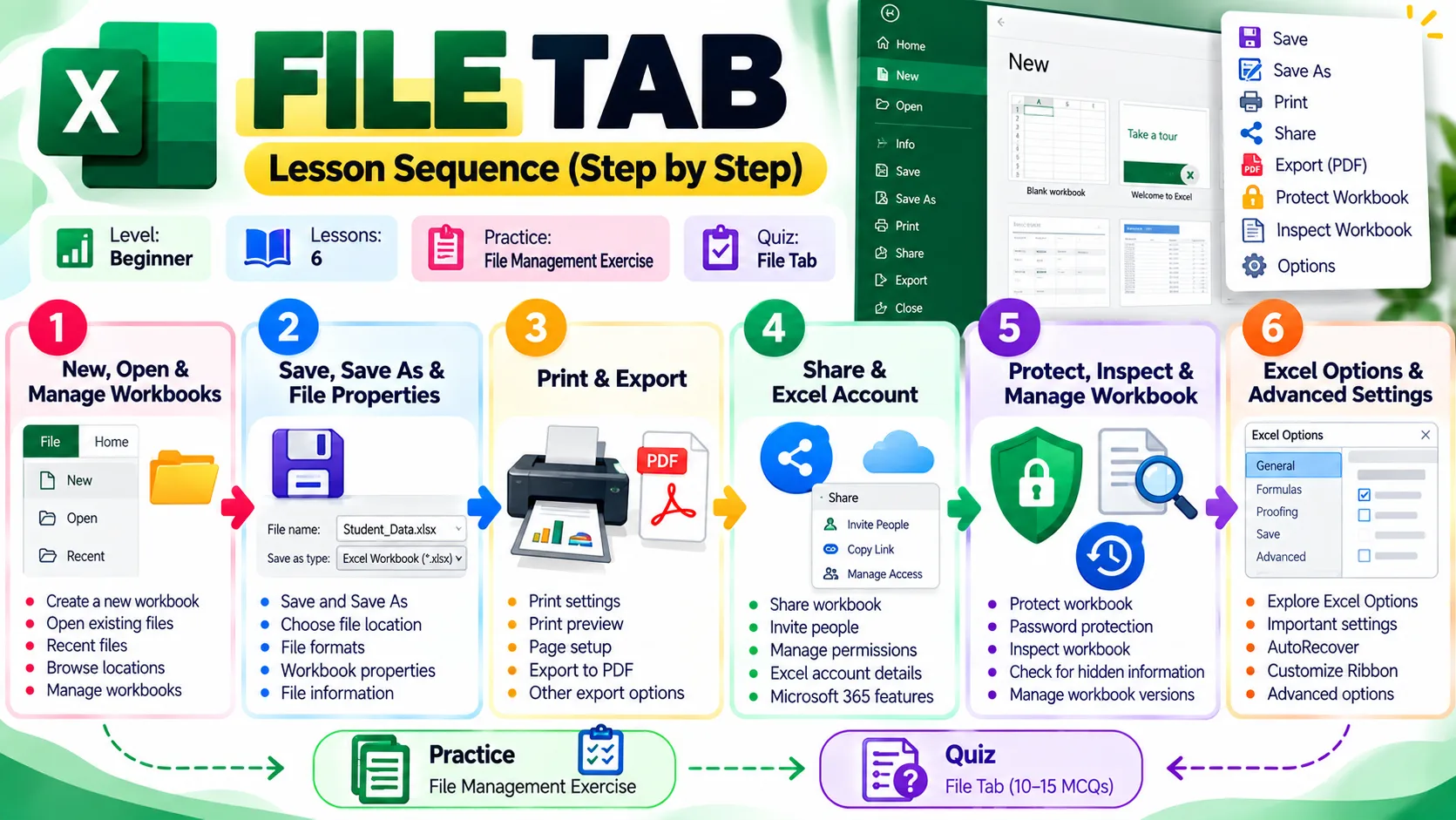
The File Tab provides tools for managing Excel workbooks. From here, you can create a new workbook, open an existing file and access recently used files.
New Workbook
Use New to create a blank workbook or start from a template.
Open Workbook
Use Open to access an existing Excel file from:
- Recent Files
- This PC
- Browse
- Cloud locations, where available
Manage Workbooks
Excel also provides options for working with recently opened or recovered workbooks.
Practice
- Create a new blank workbook.
- Save it.
- Close it.
- Open it again using File → Open.
- Check the Recent Files list.